



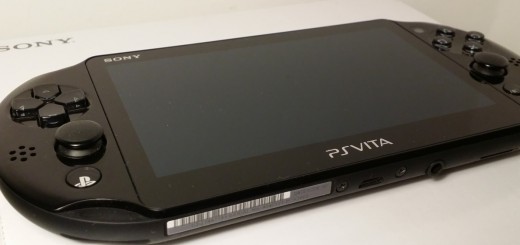
A few weeks ago, I was fortunate enough to be invited along to the UK launch of the PlayStation Vita Slim. I was even more fortunate to be given a review unit to, quite literally, go away and play with.
Before we go on, there’s an apology to be made. I meant to bring you this sooner, but as you should know by now, an occasional gamer rarely gets the time they’d like to down-tools and play games. And that’s exactly what I am.
The result of this is that I care about different things to the die-hards, and even the casual gamers. XP isn’t a concern of mine, and I’m never going to be able to cut-it with CoD snipers online anymore. That, I’ve come to accept. But that doesn’t mean I want color-matching puzzles or sing-a-long karaoke games either.
Now, I’m happy if I complete one game every six months. And I’m really not that bothered if a game is six hours, six weeks or six months old. With so little time to play, all that matters is that it’s enjoyable when I do.
In the box, hardware
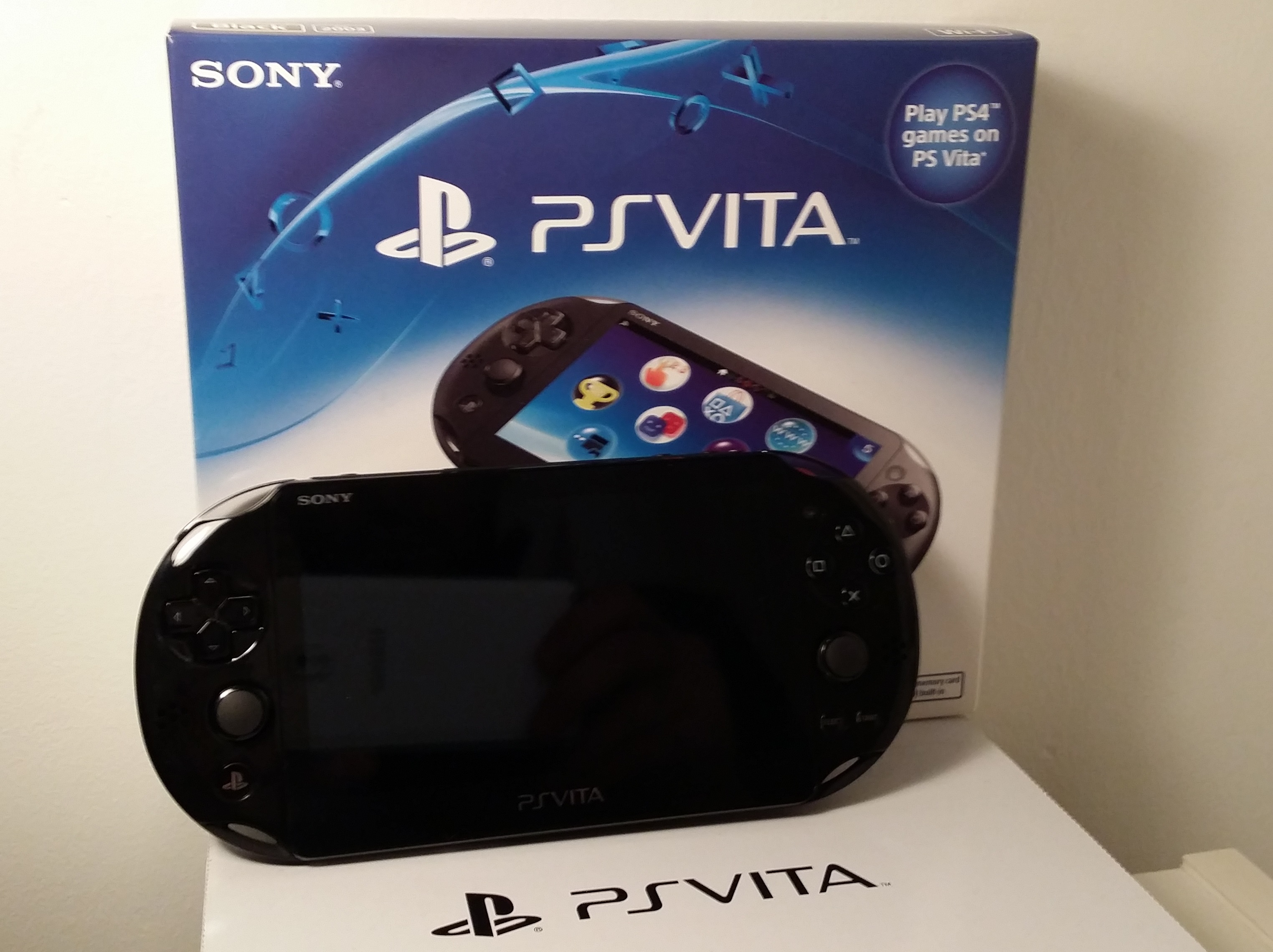
Opening up, you’ll find the Vita Slim, a charging cable and a few sheets of paper for playing around with some of the augmented reality functionality.
Fire it up and navigate your way through the set-up process: select a language, log in to your PlayStation Network (PSN) account (or create one) – that sort of thing. You’ll need a PSN account for just about everything, so go ahead and set one up if you don’t have one.
Once done, you’re greeted with the main selection screen – this is all identical to the regular Vita, so if you’ve used one of those it’s more of the same.
Being only an occasional gamer, I actually hadn’t used one all that much, so it was mostly new to me.
The key differences between the ‘Slim’ and the regular Vita are that the new model is – shockingly – a little bit thinner (3mm-ish) and a fair bit lighter. 42 grams to be precise.
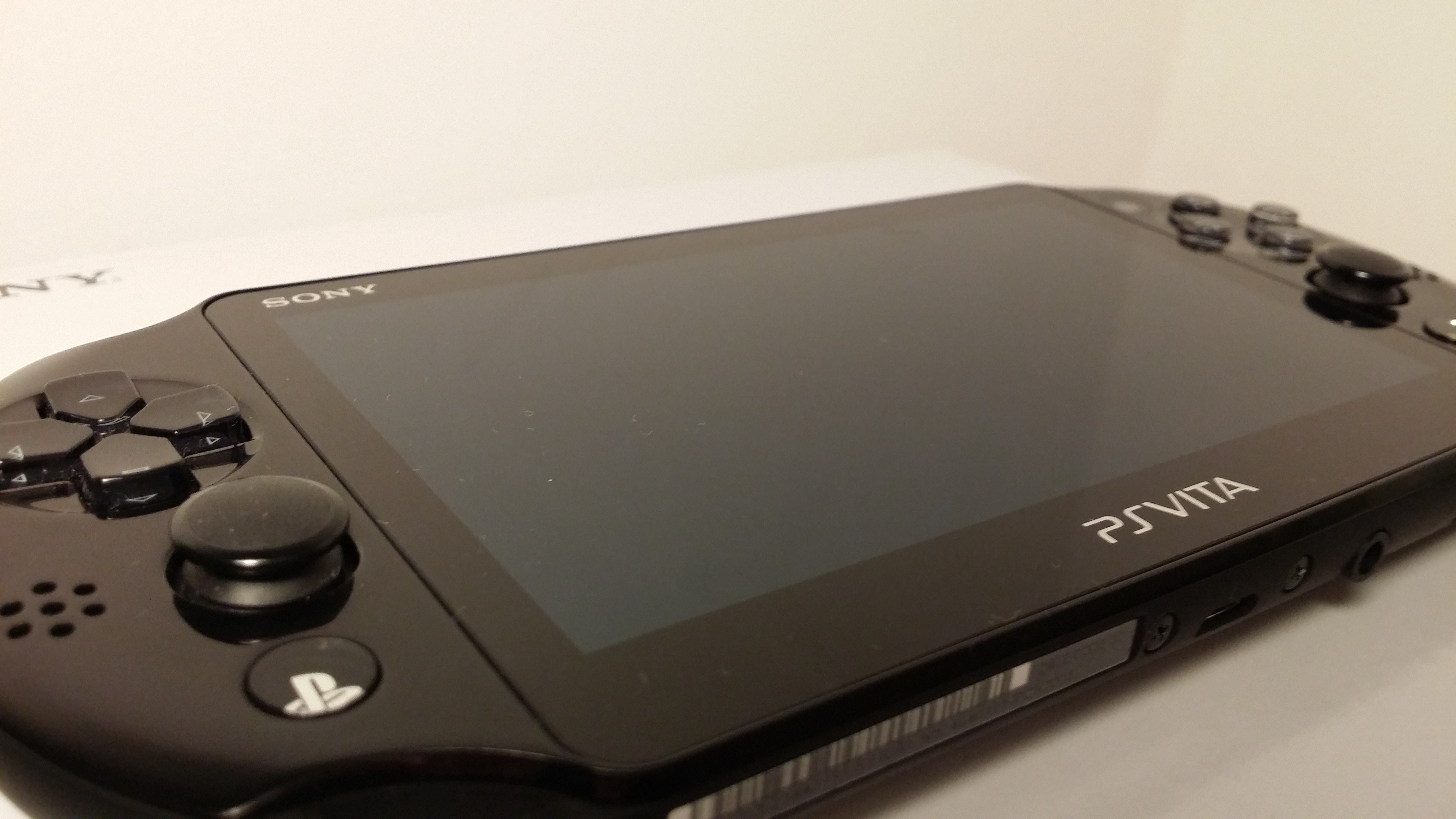
There are a few other tweaks here and there, but the thing that the most fuss was made about when the device first launched in Japan last year was that Sony had to do away with the OLED screen of the original Vita and replace it with an LCD one instead. Presumably this was done in a bid to save some cash and ultimately keep the retail price of the ‘Slim’ down.
Aside of this though, the screen is the same 5-inch, 960 x 544 pixel resolution affair you’ll find on the predecessor. It has the same 220 PPI as the other version too.
As already noted, I didn’t own the original Vita so there was no sense of disappointment or a step down in quality for me. I found it bright and crisp – although obviously not as bright or crisp as an OLED display would provide. Viewing angles aren’t perfect, and it can look a bit washed out if you’re not straight-on, but overall it seems like it’s a fair compromise to balance size, weight and cost.

Other tweaks to the hardware include switching to using a regular micro USB for power (rather than the proprietary charger on the original), moving the game slot to the center on the top and putting in two little indicators – one for power and one for Bluetooth. On the top edge of the device you’ll also find volume control buttons.
The Slim also comes with 1GB of storage built-in, so you can get to using it and installing games straight away. You’ll need to buy a separate memory card soon enough though.
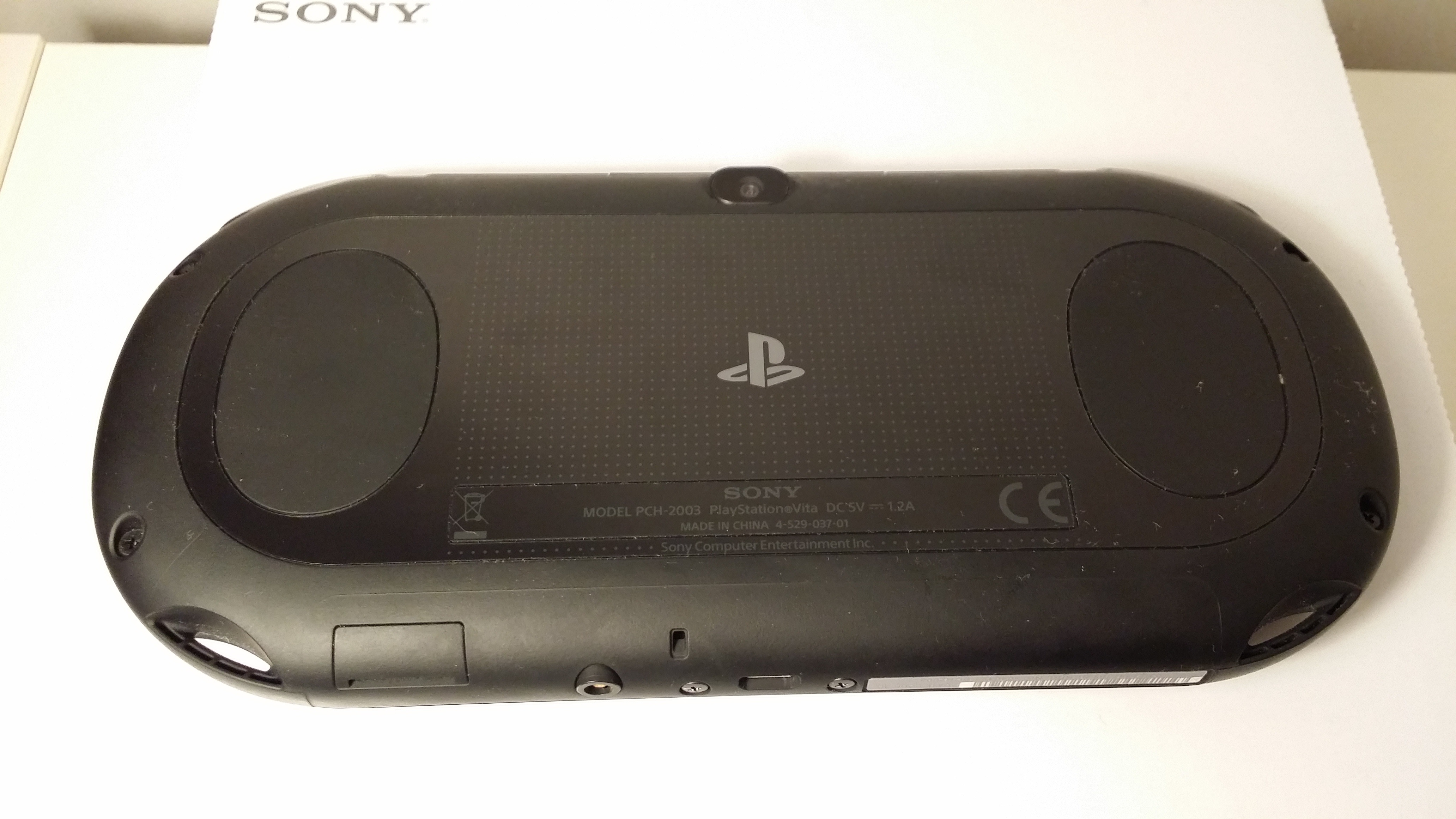
The rest of the controls remain mostly the same, with only the rear touch sensitive controls being reduced in size a little, in line with the overall reduction in size of the Vita itself. So, the shoulder buttons (L1, R1), analog sticks and other buttons remain almost completely unchanged.
Sony claims the battery will last for up to six hours of gaming, but I can’t imagine wanting to sit down and play it for six hours straight. That said, it did surprise me. I rarely remembered to charge it, or switch it off (instead, just letting the screen timeout), and I still only had to charge it every few days.
If you’re using it on Remote Play with a PlayStation 3 or PlayStation 4 though, it’ll last a bit less time before needing more juice.
Software
While the software is familiar for existing Vita users, for anyone like me, you’ll need to have a poke around to get used to exactly how everything works.
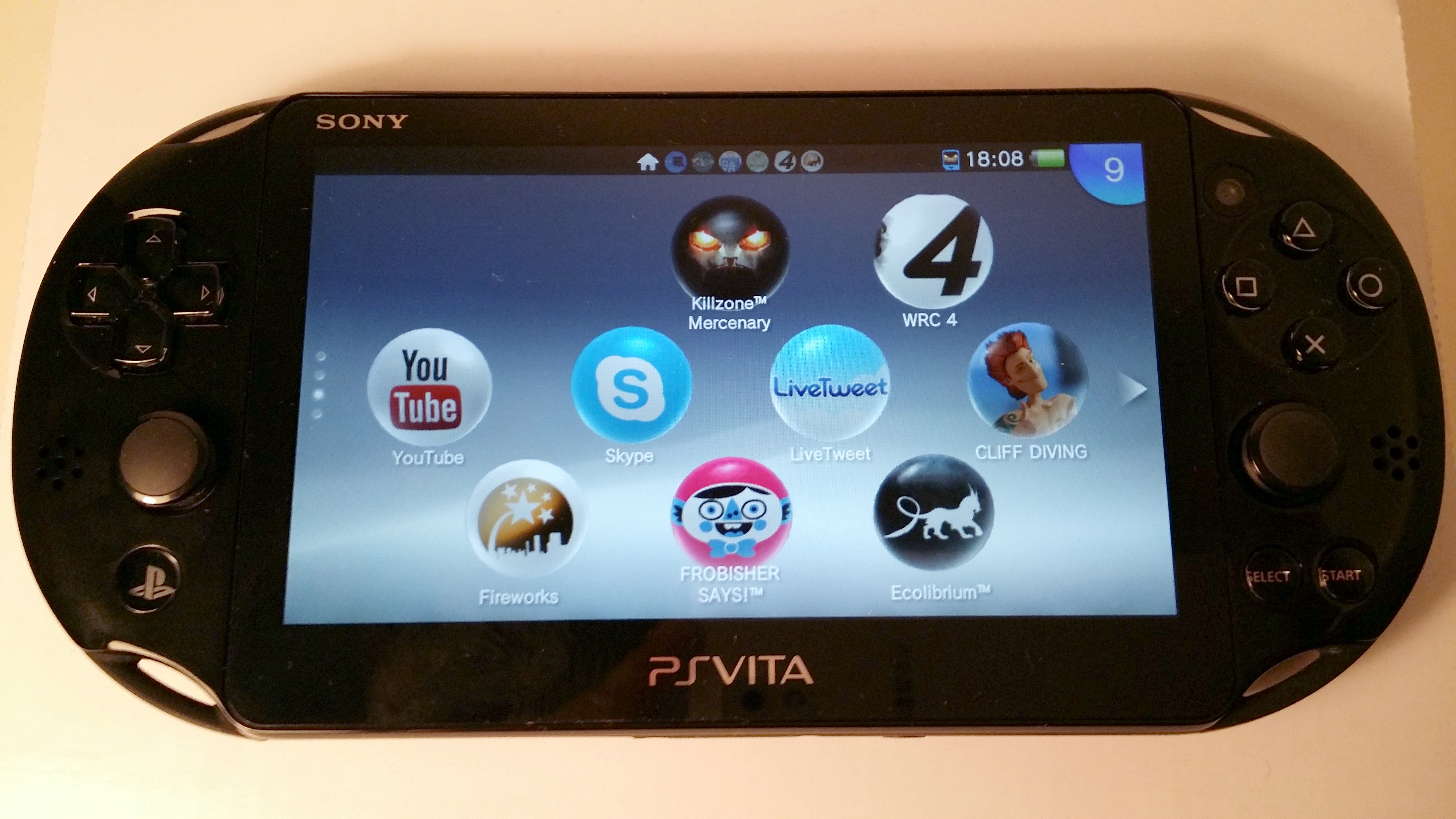
Essentially, the main screen is the LiveArea and on it you’ll find shortcuts (displayed as hovering rounded icons) to all your games, installed apps and settings.
Pressing the PlayStation button returns you to the LiveArea regardless of what else you were doing, and pressing it again will show you a list of open apps (below). When looking at the LiveArea, scrolling left or right (either by using the touchscreen, D-pad or analogue sticks) also takes you through your list of open (but suspended) apps, one by one.
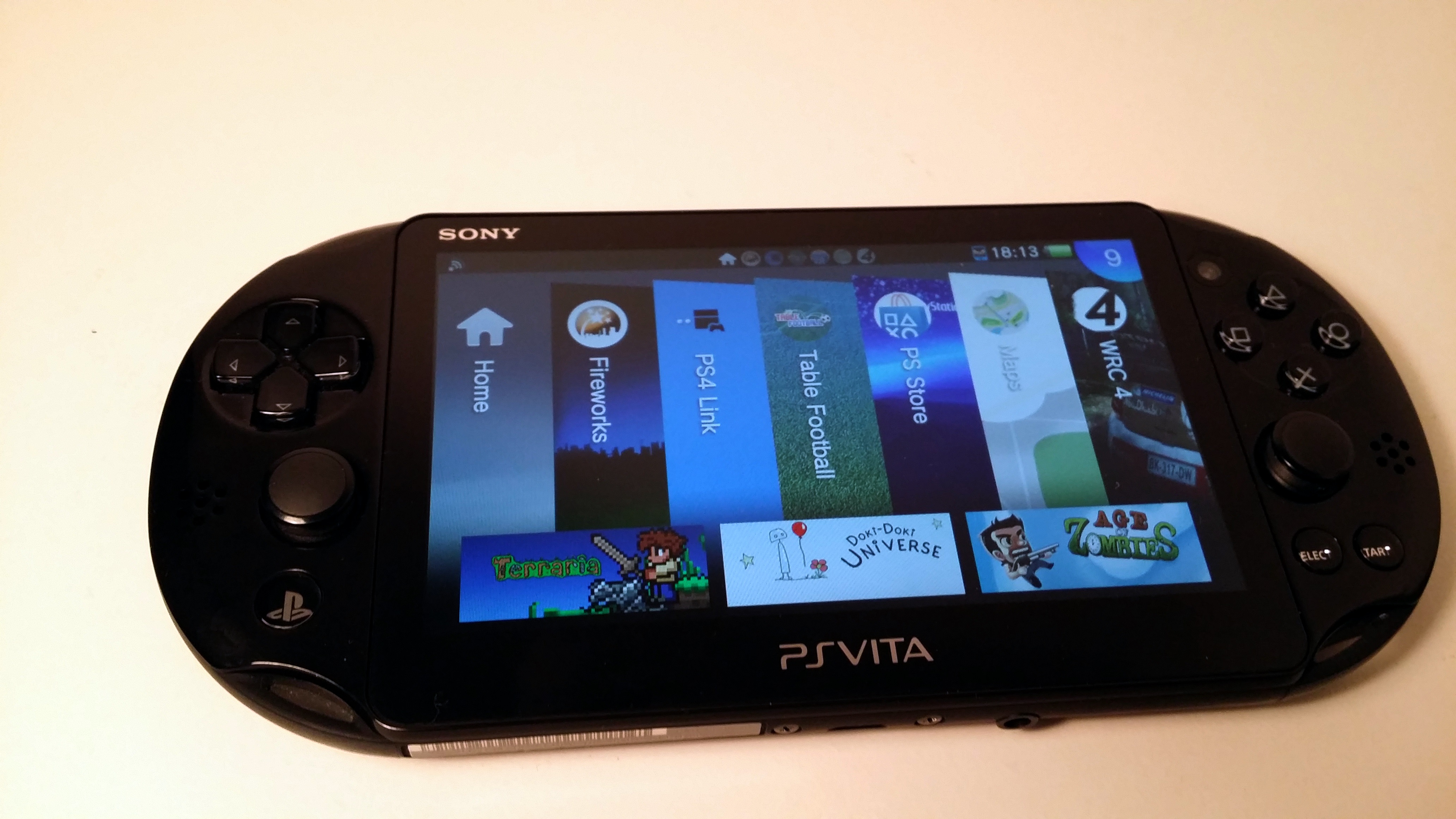
It comes with apps like Maps, Music, Photos, Email (as an occasional gamer, the last thing I want is email on my gaming machine, but it might be handy for you), a Web browser and all the core PlayStation features (like friends, messaging, party settings, trophies etc).
However, like on a PS3 or PS4, a lot of the content you want will be come via the PlayStation Store, hence why you’ll need a PSN account.
While it was easy enough to navigate the Store to find games or videos to buy and download, I found it a bit counter-intuitive for the sub-category of ‘Apps’ to be found under ‘Games’. Nonetheless, this is where you can install things like YouTube, Skype, Facebook and a Twitter client called LiveTweet, among others. Don’t expect much though, there really aren’t many to choose from.
It’s also where you can find Sony’s own Music Unlimited app, and a separate app for a one month free trial of the aforementioned service. It’s a bit odd this doesn’t come pre-installed in all honesty, given the uphill battle Sony will have to grow the number of users of its music service – it’s a crowded marketplace and Music Unlimited does little to differentiate itself.
On the gaming front, unless you buy the device in a bundle, you’ll be needing some games to play.
You can get going straight away without spending any cash by downloading a few demos, but if you do, that 1GB of internal storage will be full before you know it – it’s really more appropriate for game saves. Nonetheless, if you just can’t wait, you can download a demo or two.
Sony has made it easy for the uninitiated though. Despite the fact that I own a PlayStation 3, it wasn’t completely obvious where to find everything at first glance. However, it’s all fairly intuitive and there are some prompts along the way to let you know what’s what first time out.
It also takes care of a few things automatically, so there’s less for you to worry about. For example, as I was putting the 16GB Vita memory card (purchased separately) in the device, I was wondering what I’d need to do in terms of accessing content I’d already downloaded and how to select a new default storage location.
I needn’t have bothered. As soon as I popped the card in, all the downloaded content was moved across to the new one and it was selected as the default location. While it wouldn’t be hard to work out how to do this yourself, the occasional gamer side of me approves – I want to spend the precious time I have playing, not managing storage space.
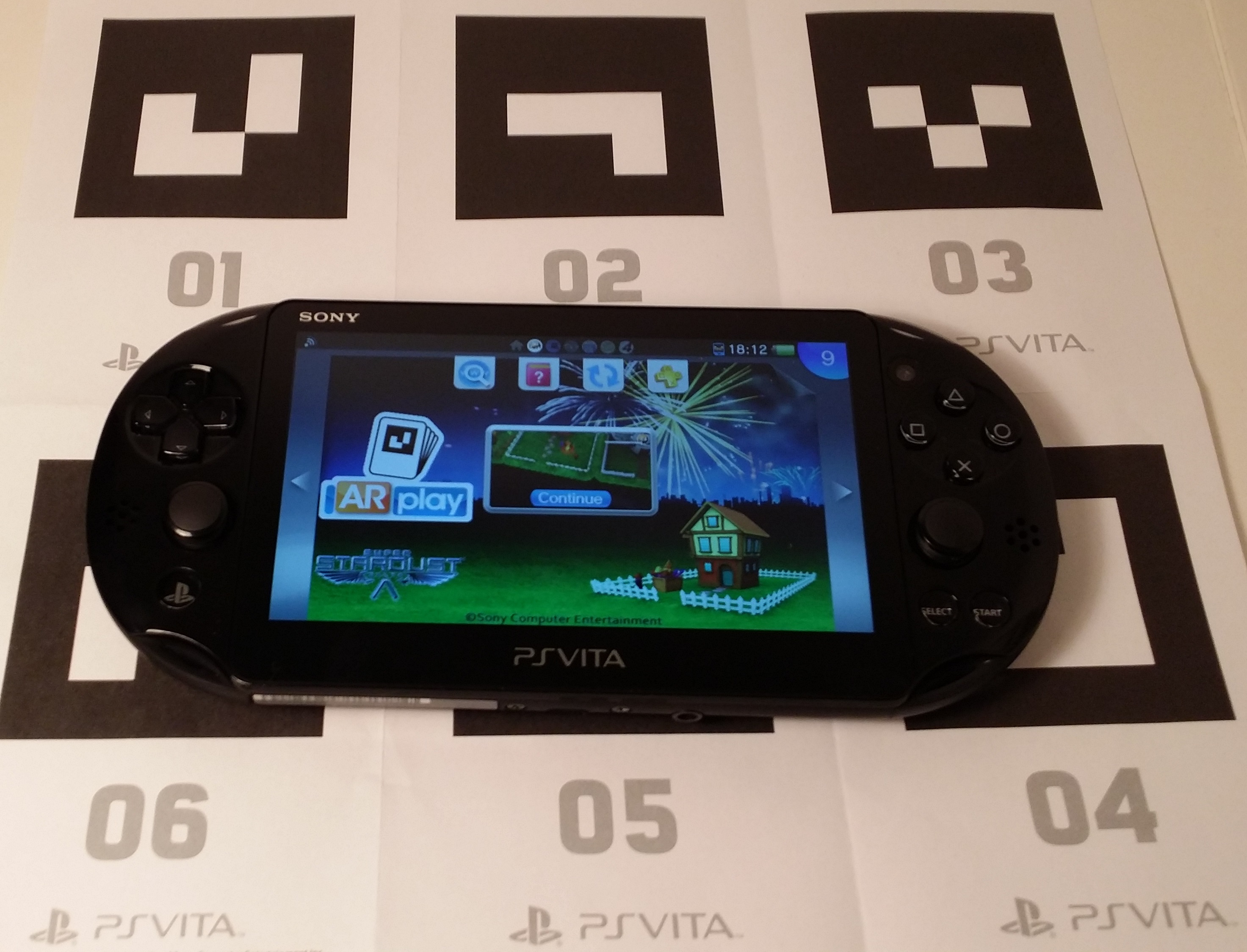
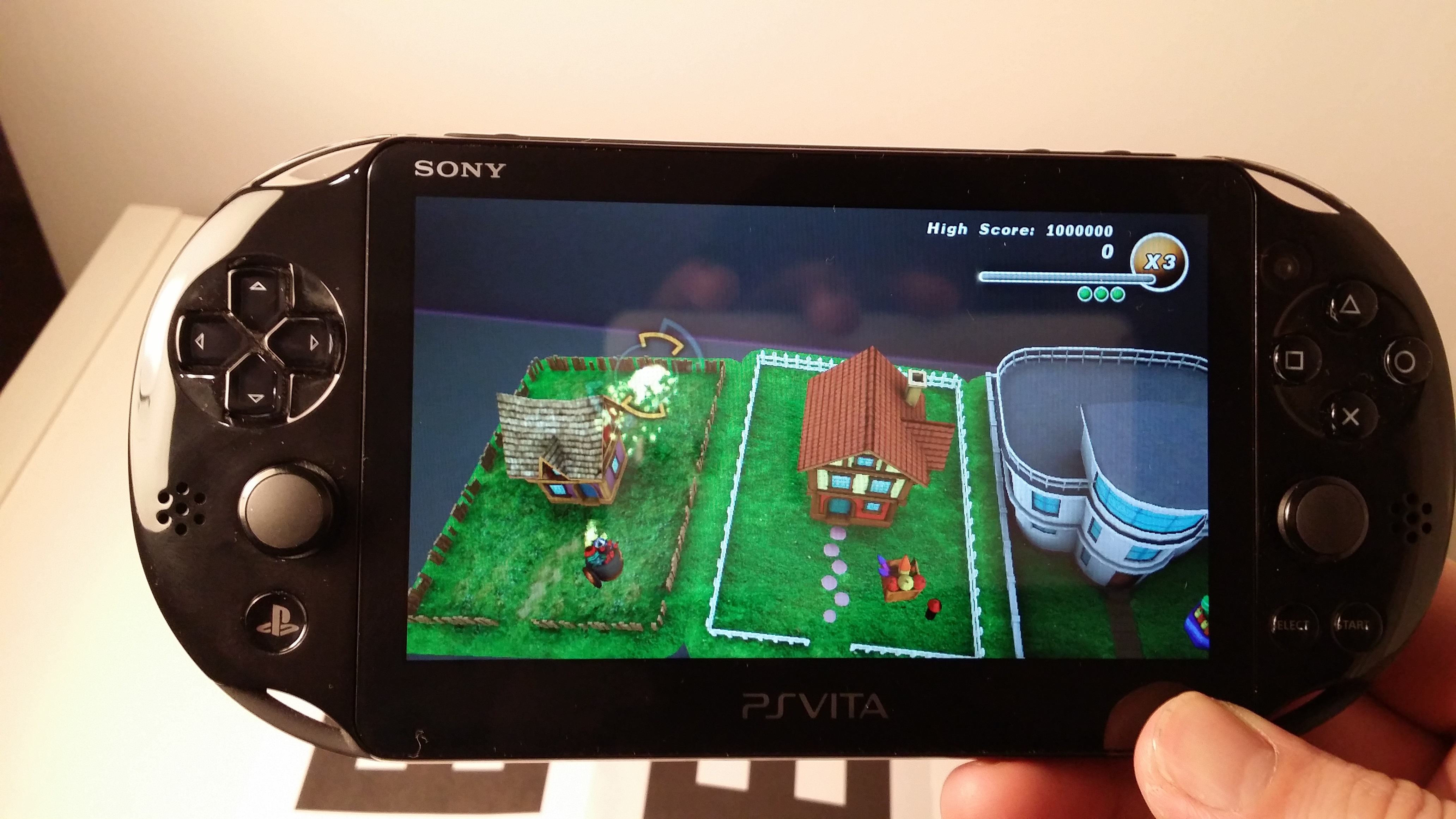
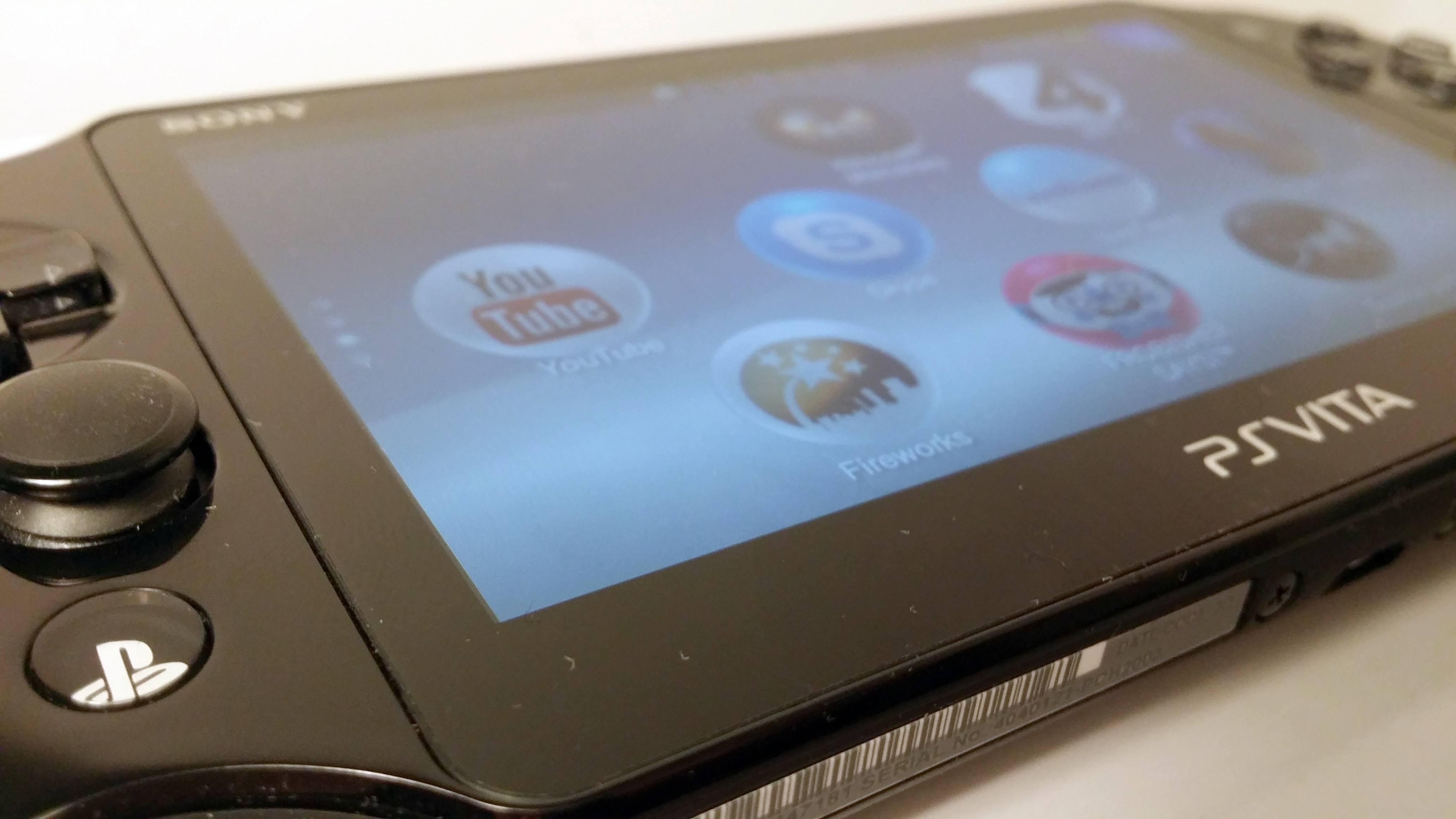
As well as gaming and the odd few apps, Sony has also developed a few concept augmented reality (AR) apps that make use of the rear camera. To use them, you’ll have to make sure you don’t lose that piece of paper that came in the box (shown above). If you do, it’s really not the end of the world. The apps that are available – Table Football, Cliff Diving, Fireworks – are pretty gimmicky and will likely only hold your attention for a few minutes.
Remote Play
Remote Play was first introduced for the PSP and Vita with the PlayStation 3, so that’s where I started too.
That was a mistake, and a disappointment. After jumping through the few hurdles required to connect to a PS3 with the Slim, I really wished I hadn’t bothered. Not that it was difficult to get it working, just fruitless and ten minutes later I disconnected again.
It seems it’s well-known that the number of PS3 games that support remote play is a bit of a joke, and while perhaps some people want to manage PS3 game, movie or other downloads via a Vita, I really have no interest in that. And it seems like actually playing a game was pretty much off the table too. So, if you’re a PS3 owner considering a Vita (Slim or otherwise) for the Remote Play aspect, I’d give it a miss.
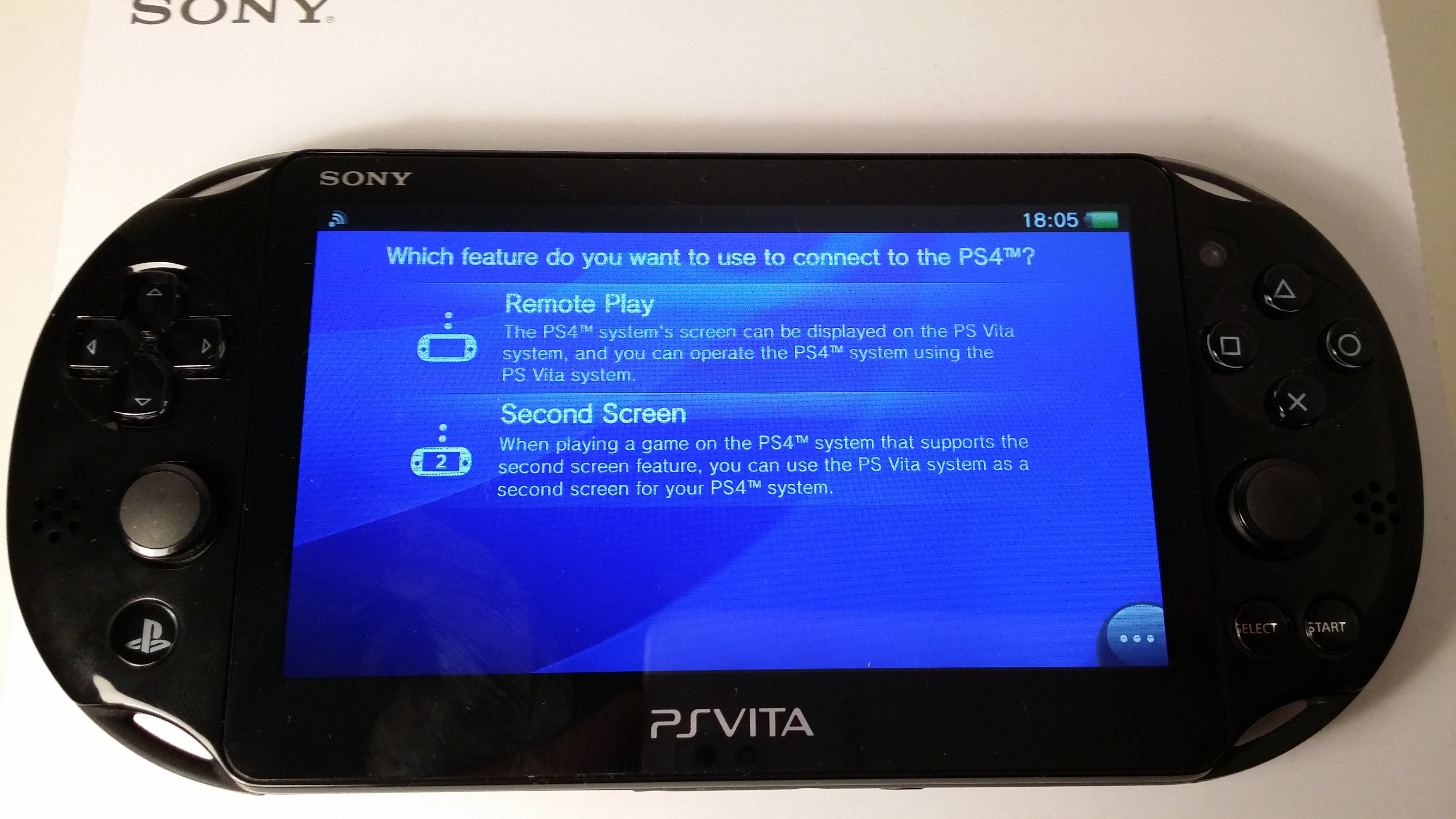
However, connect it up to a PlayStation 4 and it’s a different experience altogether. For one, you just have to hit the PS4 Link button on the LiveArea, and then select whether you want to use your Vita in Remote Play mode or as a second screen for the PS4 game you’re playing.
You’ll need to make sure you’ve already selected the appropriate settings on the PS4 too, or some features like remote wake won’t work. Additionally, for remote wake via the Internet to work, you’ll have to have assigned your PS4 as your primary console.
Most importantly though, it seems that Sony has really pushed devs to support Remote Play in the games that have been released for the PS4 so far and the end result is that a lot – if not all – of the titles you can buy today will work on a Vita via Remote Play, as well as on a PS4 directly.
Like with the PS3′s Remote Play options, it’s possible to wake a PS4 from sleep mode via the Internet or your home WiFi connection.
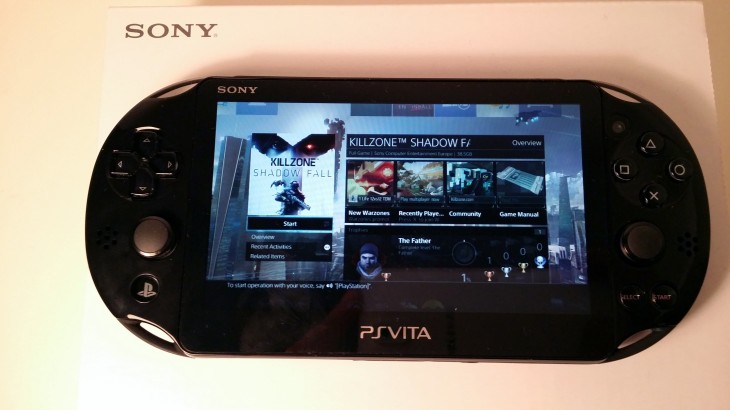
While games seem playable (on the whole) the same isn’t true for some of the other PS4 apps you might have installed, so don’t go thinking you can watch Netflix or iPlayer on your Vita Slim via Remote Play to a PS4.
There is, however, one slight problem I came across in using the Slim to play PS4 games: the L2 and R2 buttons, or lack thereof.

Games designed for the Vita seem to specifically not use the touch sensitive rear panels for fundamental game controls. However, L2 and R2 are pretty extensively used in PlayStation games and so most use these rear panels to represent the missing shoulder buttons.
Maybe it was just me, but I found using them for fiddly controls to be a bit of a nightmare. With practice it would likely get easier, but with time to play once every few weeks, it’s slightly frustrating to have to relearn exactly where you should be placing your fingers on the touch pads each time.
The reality for the occasional gamer
The overall reduction in size and weight make it perfectly light-enough to carry around and hold in your hands for longer sessions. A rarity though that is for the occasional gamer, it’s good to know that if I could sit there for hours and play, it would be conformable enough to hold.
That said, when actually playing games, particularly driving games, I did find that I got a bit of cramp in my hands. Perhaps my hands are a just a bit larger than average, or maybe I just need to use it for a bit longer to get used to it.
Thankfully, downloading via the PSN doesn’t seem to take any longer than on a PS4, and game loading times aren’t unbearable either, although it’s by no means instant to go from a cold start into playing a full Vita game.
At £180, the Vita isn’t going to break the bank, but it’s worth bearing in mind that at its core, it’s a gaming machine. That might seem like a silly thing to say, but with devices now able to do many things – the Slim will happily take care of your emails and browsing needs – it’s still worth pointing out. It can do these other things, but it’s not where it’s best.
What it’s best at is providing almost all the convenience I could ask for as an occasional gamer. It’s portable, so you can take it with you and squeeze in 15 minutes on the bus if you like, and the battery will easily outlast my average session. Will it last a full six hours of gameplay? I couldn’t say for sure, but with virtually every other device needing to be put on charge about once a day, the Vita’s once-every-few-days requirement didn’t feel excessive to me. And besides, in a couple of hours or less, the battery is full again.
Connecting to a PS4 was easy (as was a PS3 too, for the record – just a bit pointless) and games streamed seamlessly, though this will likely depend on how good your connection to the PS4 is. It’s also nice that you can easily switch between a Remote Play session via the Vita Slim back to using a controller mid-session; just end the Remote Play session and switch on your controller instead.
So if you’re playing that game on the bus home from work and want to carry on as soon as you get in, you can do so without missing a beat.
As a standalone gaming machine, it’s a perfectly capable, enjoyable and portable device, although perhaps with not as big a selection of games as some rival devices.
The only real problem for me is that the biggest boon in owning a PlayStation Vita Slim also requires owning a PlayStation 4, which is a tricky purchase to justify if you view it as a once-every-few-months gaming machine rather than your multimedia hub. But then, I can hardly fault it for doing something well, and if you already have a PlayStation 4 that makes the decision all the easier.
Perhaps the best thing it offers the occasional gamer, though, is the opportunity to snatch a quick race here or the odd level there, whether that’s on the Vita or via Remote Play – when time is precious, that represents the opportunity to be a bit more of a gamer and a bit less of the occasional.