



How to make your posts stand out on the Web: The complete guide to social media formatting
Make your blog post stand out
Add more shareable elements into any blog post with these tools and tricks.
Make facts and stats quickly tweetable
If you work in marketing, chances are you’ve seen HubSpot’s blog posts shared a lot. One cool way they accomplish that is by making it easy to share stats as seen below.
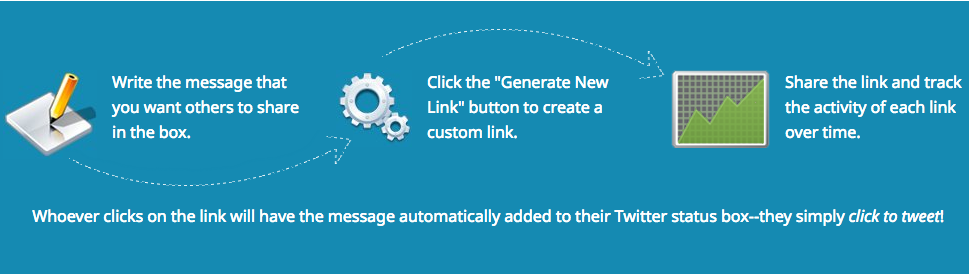
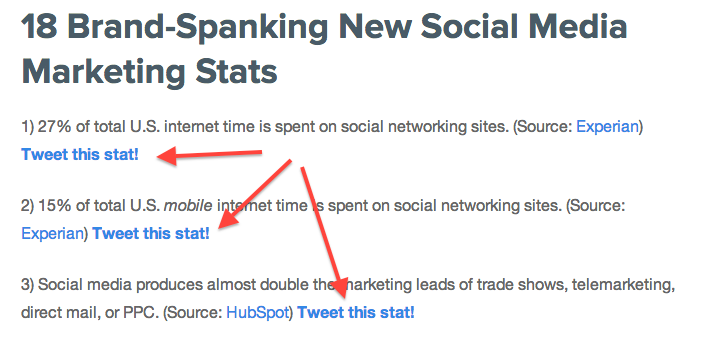 You can employ this tactic, too. Use a tool like Click to Tweet to create pre-populated tweets with the message you want to be shared. Here’s how it works:
Embed social media posts
Bring the power of social media sharing right onto your blog by embedding Twitter, Facebook or into your blog post. Viewers can engage with embedded posts by following users, liking or commenting on posts and watching video posts.
Even better: Those who don’t already like or follow you will have the option to do so without leaving the page, meaning embedded posts can potentially help boost your fan count across social networks.
Consider replacing screenshots with embedded posts so that users can engage with your examples.
Pinterest boards are a little trickier to embed, but it can be done. Here’s a full guide from Ginny Soskey and a look at her adorable example board.
Make unique, shareable images
Visuals like quote photos and infographics are irresistibly shareable, and there are plenty of tools out there to help you make them quickly and easily – like Recite, pictured here.
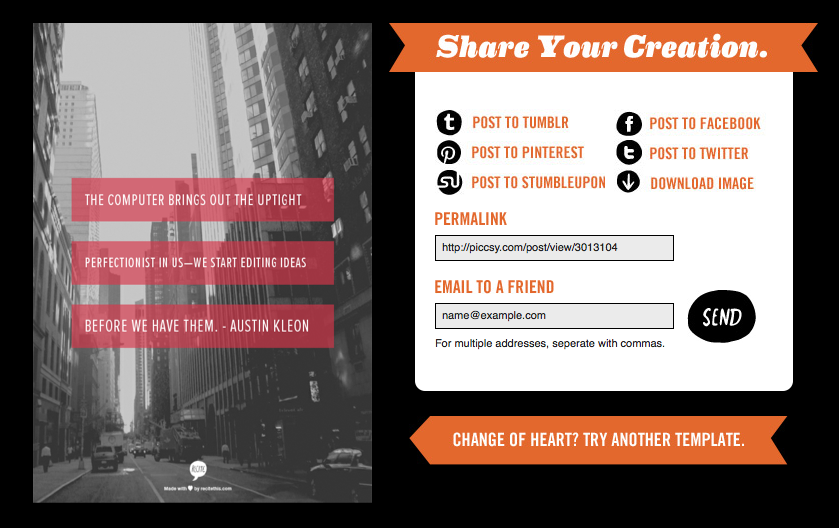
Start making your own (and find lots more useful visual tools) with our roundup of 14 Great Tools to Create Engaging Infographics and Images for your Social Media Posts.
Top image credit: Shutterstock/Africa Studio