



Here’s everything you can do with Siri in macOS Sierra
Jul07
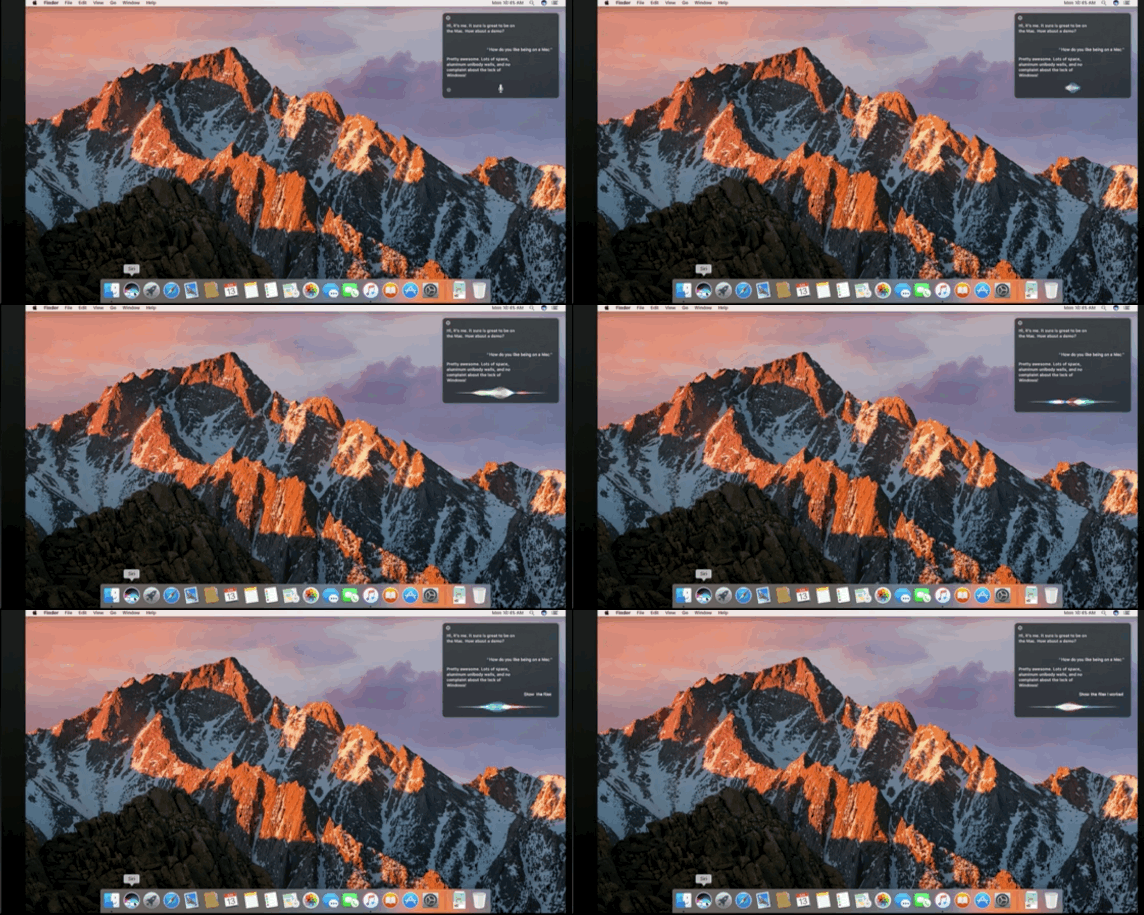
Now that Siri is on your desktop (at least in beta), you’ll probably be yapping at her all day long. Rather than leave you guessing, we put together some tips and tricks to help you feel like a pro. Search and productivity One of the main reasons you’ll likely use Siri is that it’s easier than Spotlight search. Oddly enough, Siri works a lot like Spotlight, so it should be familiar. You can say things like “show me files I worked on last week” and Siri will show you all the files you were using the week prior. From there,…
This story continues at The Next Web