



watchOS 2 review: Apple Watch’s true ‘killer feature’ is its operating system
Sep21
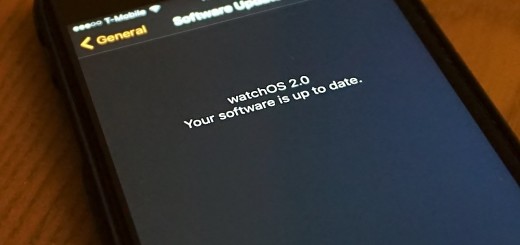
Apple Watch users, watchOS 2 is here. If you’ve not downloaded your new software yet, here’s a primer on what’s new, what’s better and how you’ll be interacting with your new watch. Customization You can now choose a time-lapse photos for your watch face, taken at various locations across the globe. As you raise your wrist and the watch face activates, the timelapse photo — which is more like a non-looping GIF — plays. There’s also the option to have a picture from your gallery as the background, or have Apple Watch display a new picture from a folder in…
This story continues at The Next Web