



Microsoft Snip finally brings a better way to screenshot on Windows
Aug27
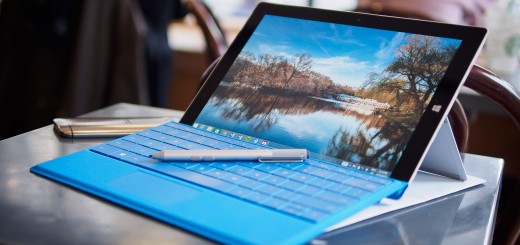
A new beta app from Microsoft aims to make taking screenshots on touch-enabled Windows 10 computers a lot easier. Microsoft Snip offers an easier way to take screenshots, annotate them and even add audio to them. Once installed, the app floats at the top of the screen so you can quickly take a screenshot of the whole screen or a particular region, a photo of your webcam or a drawing. It’s touch-friendly so it’s easier to jab at than a desktop app and has full pen support so you can write/draw directly on the screenshot. In the past there was an app called…
This story continues at The Next Web