



Chrome tip: Everybody should know about this shortcut to re-open tabs
Oct04
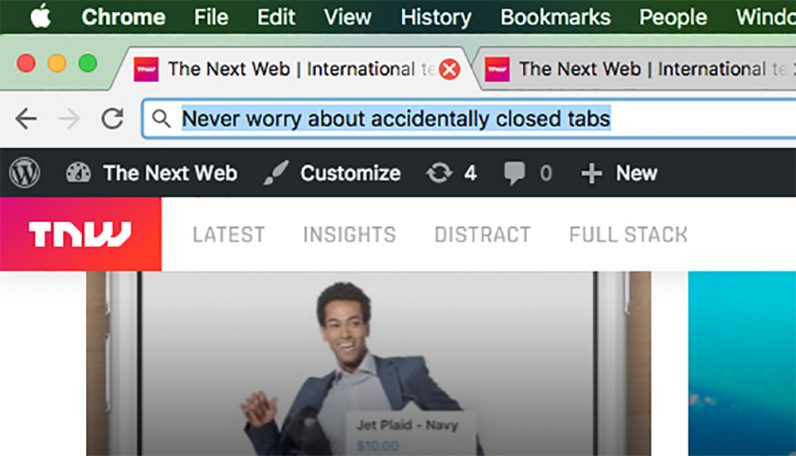
Anybody who struggles to keep their tabs under control knows how infuriating it is to close one by mistake – especially during stressful periods at work. But there is a handy shortcut you could use to re-open any closed tabs in Chrome without even missing a beat. The best part is that it works on both Windows and Mac. Here is how you do it. Mac Once you’ve accidentally closed a tab, press Command + Shift + T. Ta-da! You’re all good. Repeat the procedure to re-open any other missing tabs until they eventually show up. Windows Once you’ve accidentally closed…
This story continues at The Next Web