



Use this Chrome extension to easily identify emails with senders’ icons
Feb17
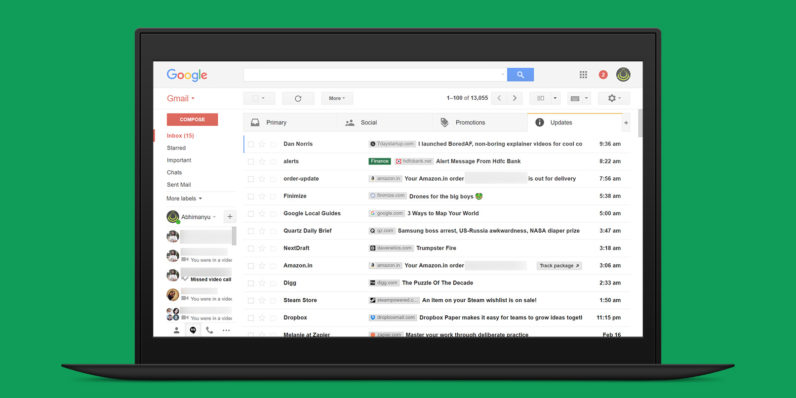
I receive between 50 and 100 emails a day at my work address alone, and that makes it difficult to figure out which ones are worth my time. Thankfully, there’s a clever new Chrome extension to help with that. Amit Agarwal’s Gmail Sender Icons displays the domain name each of your incoming messages originate from, as well as the favicon for those sites. It’s just a small visual tweak, but it makes it a whole lot easier to recognize messages and identify important ones at a glance. As Agarwal points out, it’s not just useful for sifting through mail in your…
This story continues at The Next Web