



GitHub adds templates for Pull Requests and Issues to help push projects forward
Feb17
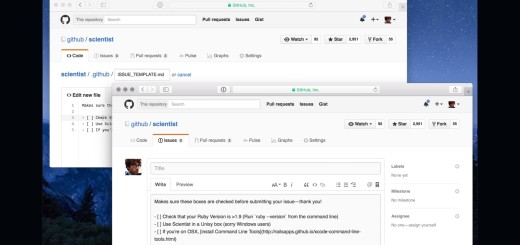
GitHub is great for pushing a big project forward, but not always great to get everyone on the same track. That’s why the company is introducing templates. The goal is to help everyone move in the same direction, and encourage those contributing to projects to provide the right info. Here’s the how-to on using templates from GitHub’s announcement: To add an Issue template to a repository create a file called ISSUE_TEMPLATE in the root directory. A file extension is optional, but Markdown files (.md) are supported. Markdown support makes it easy to add things like headings, links, @-mentions, and task lists to your templates.…
This story continues at The Next Web