



Microsoft Word 2016 is getting collaborative editing for OneDrive files
Aug13
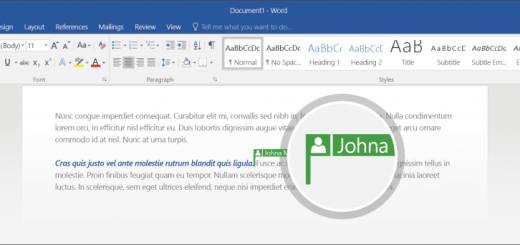
Microsoft will now let you collaborate on Word files stored on OneDrive using the desktop Office 2016 suite. While real-time co-authoring has been available in for Office Online since 2013, Office 2016 will be the first traditional version of the productivity suite with real-time collaboration support. If you and your teammate are currently previewing Office 2016, you can try it out by storing a Word document in OneDrive, and giving both users editing permission. Word will then prompt you to automatically share your changes. Once both authors accept, they’ll be able to see a colored cursor indicating where the other…
This story continues at The Next Web