



Twitter now lets you share a list of blocked accounts with others
Jun10
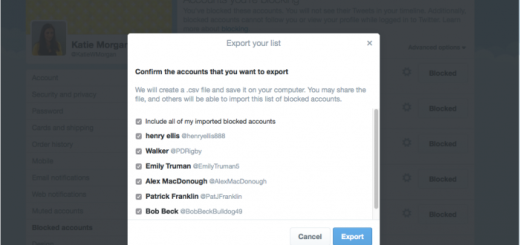
Twitter is making it a lot easier for users to protect one another from abusive accounts: you can now share your blocklists. To export your list or import someone else’s, you simply need to go to your blocked account settings on twitter.com, click on the advanced options menu on the top-right, and select import or export from the drop down menu. It’s a particularly useful feature for communities on Twitter who may suffer from frequent harassment by the same Twitter accounts – Gamergate comes to mind. This way, users can simply share a list of the misbehaving accounts with others…
This story continues at The Next Web