



Tempo for iOS lets you combine timelapse and slo-mo effects into one video
Mar25
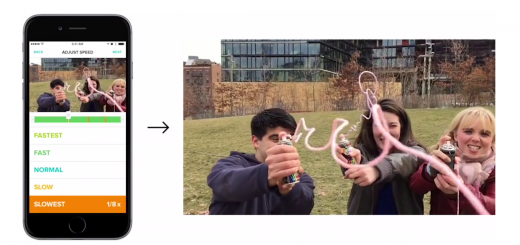
The likes of Hyperlapse and iPhone’s slo-mo feature have made video capture more fun than ever, but you don’t often have control over which part of the video can be sped up or slowed down. With Tempo, you can now choose to timelapse or slow down different portions of the same clip before uploading to your social channels. The iOS app works by importing a video from your Camera Roll, then allowing you to tap and find the selection of the video during which you want to change the speed. Tempo allows you to adjust to four different speeds: Fastest (x8),…
This story continues at The Next Web