



Question One
You want to calculate a running (i.e. cumulative) total of the Data column.
Which of these formulas should you put in B2 and drag down, and why?
=SUM(A$2:A2)
=SUM(A2,B1)
Question Two
You want to calculate a running (i.e. cumulative) total of the Data column, and subtract 1 from it.
Which of these formulas should you put in B2 and drag down, and why?
=SUM(A$2:A2)-1
=SUM(A2,B1)-1
—edit—
If you’re ambivalent as to the approach you would take, download and try out a slightly revised thought experiment in the attached file. Then you won’t be ambivalent.
This has a more realistic data set, where instead of subtracting 1 from the cumulative total, you want to subtract a varying list of cumulative expenses, so you can work out the cumulative net profit:
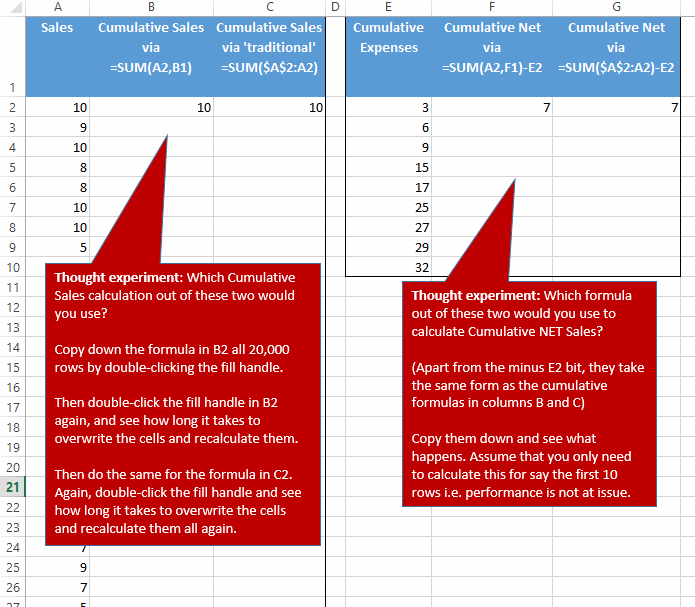
Take it that inserting/deleting rows is not an issue (assume the structure is locked down).
Note that this is intended to be a thought experiment/illustration about a common approach which happens to be very resource intensive, and a better solution that works just fine provided you don’t do anything else within that formula but calculate a cumulative total.
But feel free to post alternatives.